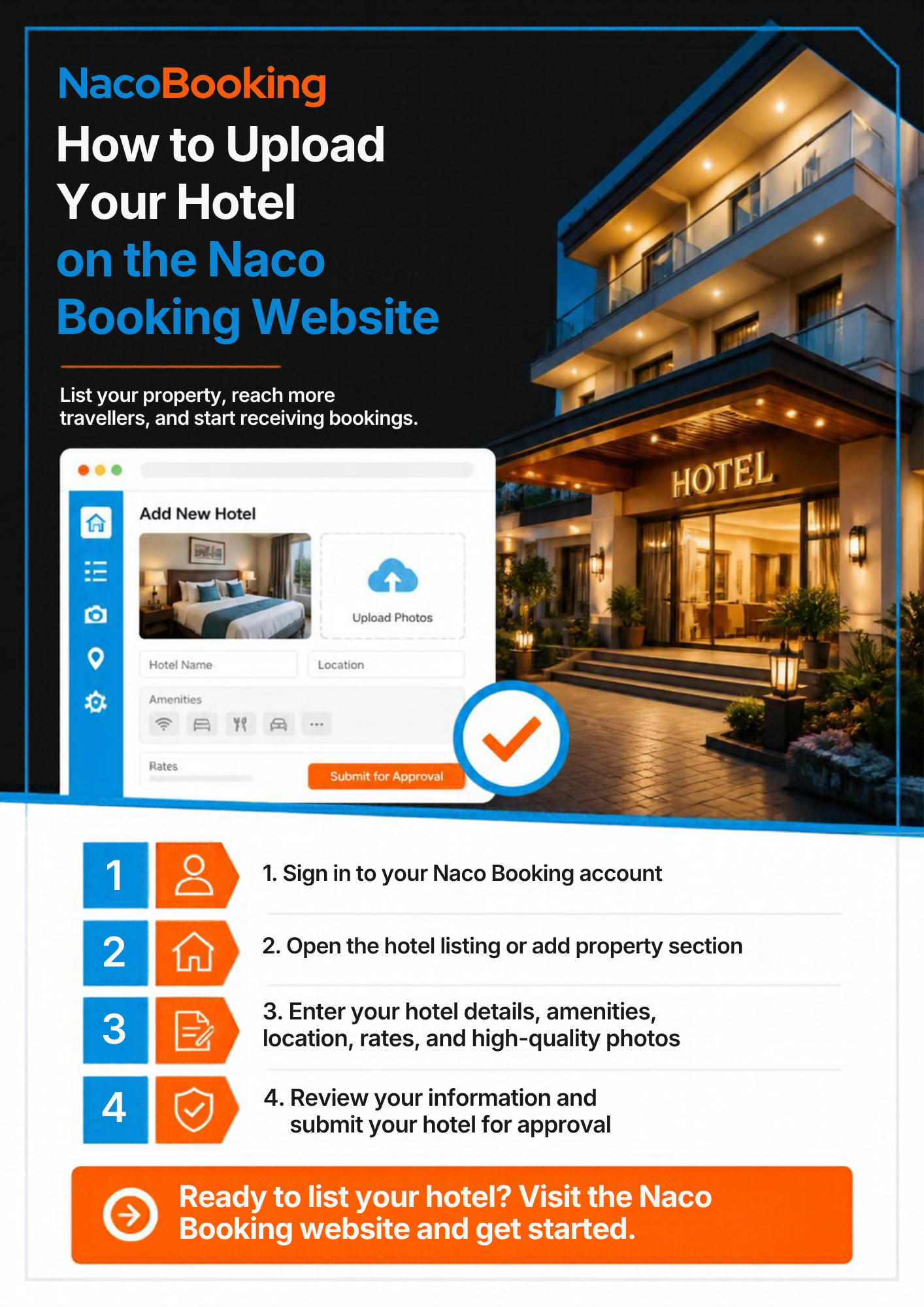

At Naco Booking, we have made it simple for hotel owners to join our growing network of hospitality partners. Follow the steps below to list your property and start receiving bookings.
---
*STEP 1: VISIT OUR WEBSITE*
Go to our official website: *https://www.nacobooking.com*
*STEP 2: CLICK ON "LIST MY PROPERTY"*
On the homepage, click the *"List My Property"* button located at the top right corner of the screen.
*STEP 3: SELECT ACCOUNT TYPE*
You will see two options: **Traveler* and **Hotel Owner*.
Select *Hotel Owner* to proceed as a property partner.
*STEP 4: CREATE YOUR PARTNER ACCOUNT*
Fill in your personal and business details accurately to create your account. You will be required to upload your *CAC Registration Document* for verification. This is mandatory.
*STEP 5: ACTIVATE YOUR ACCOUNT*
An activation email will be sent to your registered email address.
Open the email and click the activation link. Your partner account will be activated instantly.
STEP 6: ACCESS YOUR PARTNER DASHBOARD
Once activated, you will be automatically directed to your Partner Dashboard.
Click on *"Add Property"* to begin listing your hotel.
---
PAGE 1: ADD PROPERTY - Basic Information
Fill in the following details about your property:
1. Property Type (e.g., Hotel, Apartment, Resort)
2. Property Name
3. Property Description (A brief, compelling overview of your property)
4. Location (State / City)
5. Full Address (Including landmarks for easy navigation)
PAGE 2: DETAILS & MEDIA - Facilities & Policies
Provide detailed information to help guests make informed decisions:
* Hotel Photos and Videos: Upload high-quality, clear images (Exterior, Rooms, Facilities)
* Hotel Amenities: Select all applicable amenities (Wi-Fi, Pool, Restaurant, Parking, Gym, etc.)
* Hotel Policies: State your cancellation, pet, smoking, and extra guest policies
* Check-in & Check-out Time
PAGE 3: ROOMS & PRICING - Inventory Setup
Set up your room inventory:
* Room Type* (e.g., Standard, Deluxe, Executive Suite)
* Room Description
* Price per Night
* Quantity Available
* Guest Capacity
* Room Size (in sq ft)
* Room Photos & Videos
Once you have filled in all required fields, click *Submit*.
*FINAL STEP: AWAIT ADMIN APPROVAL*
Our admin team will review your submission to ensure all details meet our quality standards. Once approved, your property will go live on Nacobooking.com and be visible to thousands of potential guests searching daily.
Welcome to the Naco Booking Family!
Need Help?
Contact our Support Team:
support@nacobooking.com | +234 (0) 806 920 6814, +234 (0) 7031477237
www.nacobooking.com